AI Image Editor
Trending templates
Pick a card, upload your photo, get the scene in one click.
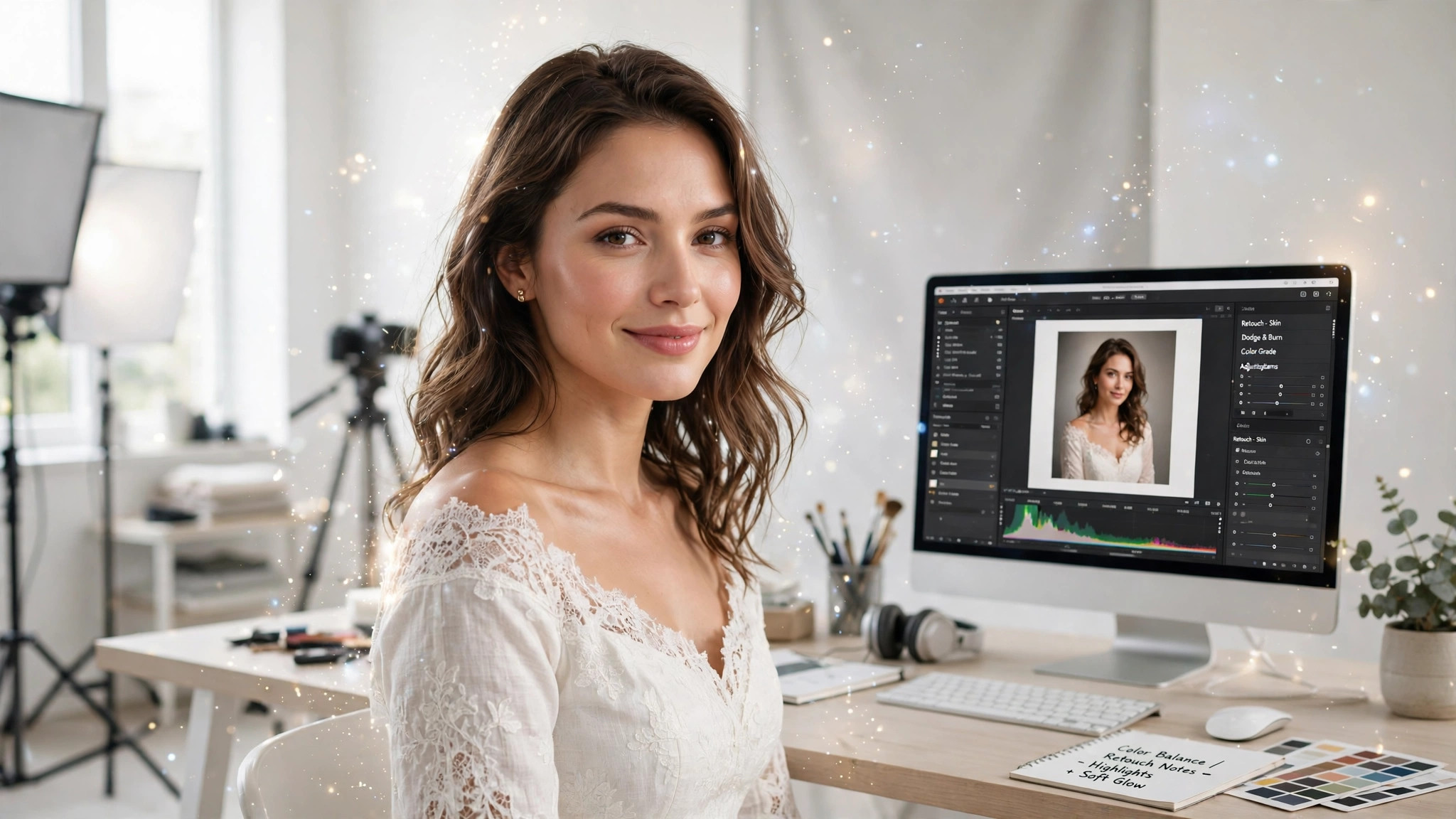
Forget Photoshop. Just upload your photo and type what you want changed, like 'make the dress red'. Plain words, real results.
Type, don't draw
No brushes, no masks, no layers. Just describe the change in words.
Examples help
'Change the dress to red' or 'make it sunset'. Copy these patterns for your own edits.
Undo is free
Don't like it? Describe it differently and retry. Each attempt teaches you something.
49 credits per edit
One price regardless of the change. Failures refund automatically.
Upload a photo
Any photo you want to change.
Type the change
Plain words: 'change the background to a beach'.
Review it
Like it? Download. Not quite? Reword and retry.
Fix a photo
Don't like the background? Type a new one. It's that simple.
Try a new look
Change outfits or settings without a reshoot. Describe, don't photograph.
New here? Start here
Do I need editing experience?
None. If you can describe the change in words, you can use this tool.
What should I type?
Start with examples: 'change the dress to red', 'make it sunset'. Copy the pattern.
How much does it cost?
49 credits per edit.
Edit any image with words
Describe the change in one sentence — Lusychat's editor applies it in under a minute. 49 credits per edit, private by default, refunded on failure.
Pricing